
Malwarebytes Anti-Malware
Detect and remove malware with free scanning. Works alongside your antivirus for extra protection.

Malwarebytes Anti-Malware — Key Facts
- Latest Version
- 5.4.3.221
- License
- Freemium
- Platforms
- Windows
- Category
- Antivirus & Security
- Price
- Free to download
- Official Site
- ru.malwarebytes.com
- User Rating
- ★ 4.3 / 5 (342 ratings)
- Tags
- free, lightweight, windows
Malwarebytes Anti-Malware Screenshots
About Malwarebytes Anti-Malware
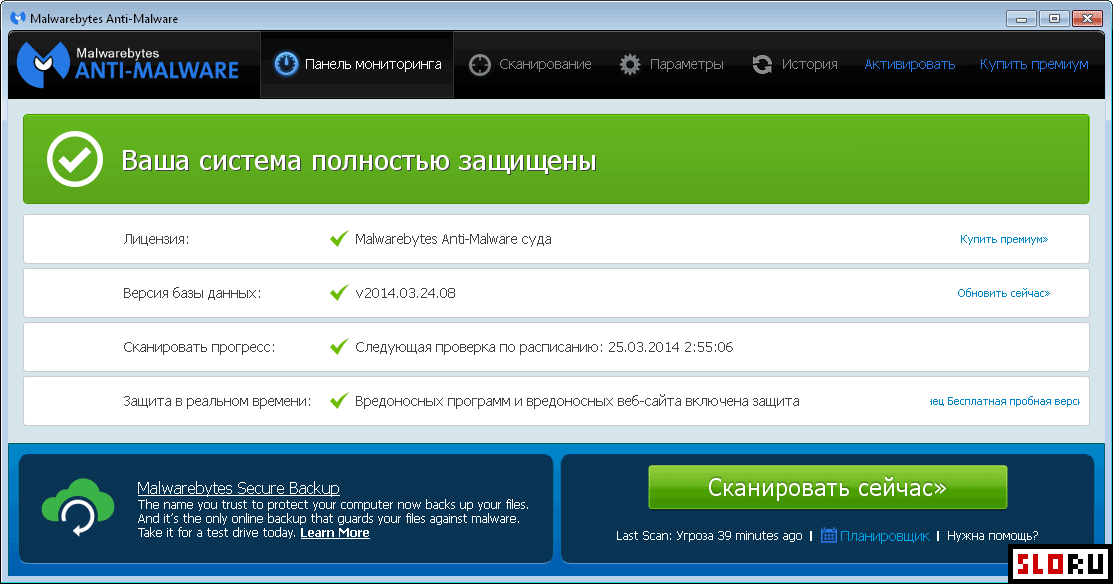
Malwarebytes Anti-Malware fights various malicious files and unwanted programs on your computer. Looking for a player that handles everything? This tool excels as a secondary scanner. It won't replace your main antivirus, but it fills important gaps. The software detects spyware, adware, trojans, and other threats that standard antivirus programs might miss. Many users pair it with Antivirus solutions for comprehensive coverage.
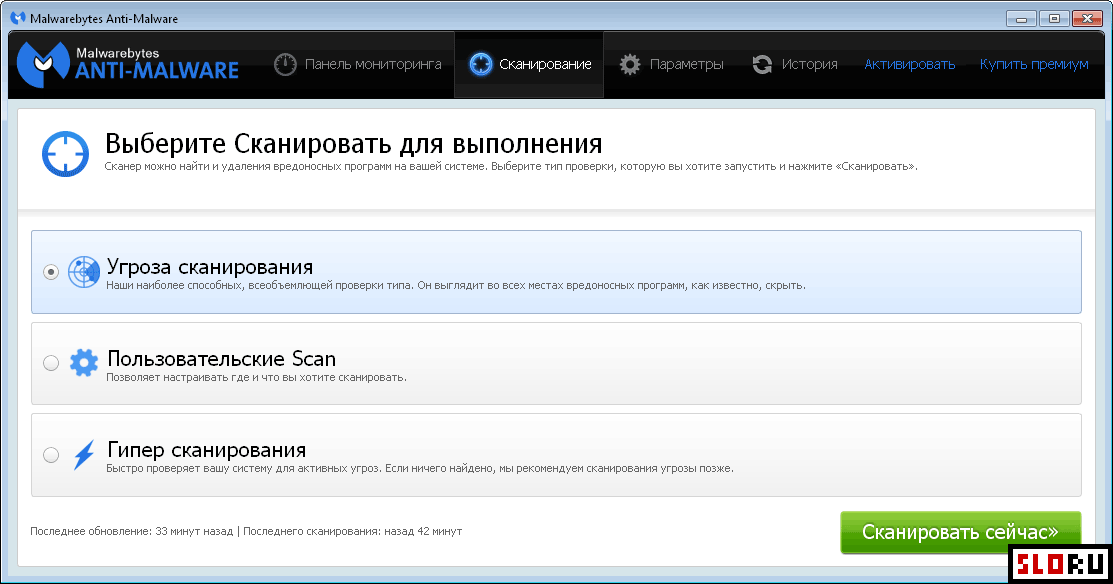
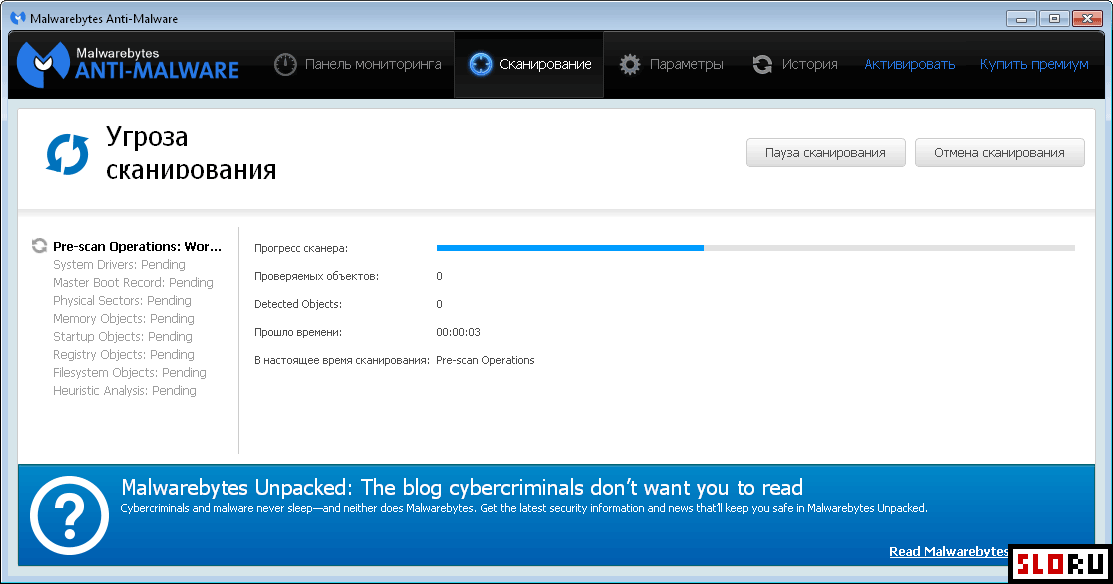
This application offers multiple scanning modes to suit your needs. You can check RAM, critical system areas, or run full scans. The free version provides on-demand scanning capabilities, while the paid subscription adds real-time protection and threat prevention. A quarantine feature isolates suspicious files safely. One major advantage: Malwarebytes rarely conflicts with other security software, so you can run it alongside your existing antivirus without performance issues. It's designed to work on Windows systems with straightforward installation and minimal system impact.
The software comes in two distinct versions. The free edition includes core scanning functions perfect for occasional malware checks. The premium version, accessible via paid subscription, provides continuous monitoring and blocks threats before they infect your system. Both versions receive regular database updates to catch new malware variants. Users appreciate the balance between functionality and simplicity. For those seeking extra protection without complexity, Malwarebytes offers a practical solution. Check the official comparison table for detailed feature differences between editions.
Install this tool alongside your main security suite for defense in depth. It's particularly useful for emergency scans when you suspect infection. The lightweight interface makes scanning straightforward for any user level. Regular updates ensure you catch emerging threats. This Free option provides real value without subscription requirements for basic protection.
Malwarebytes Anti-Malware is a freemium antivirus & security available for Windows. Browse more free software or lightweight programs.
Frequently Asked Questions
Similar Software to Malwarebytes Anti-Malware
Compare Malwarebytes Anti-Malware With Alternatives
Malwarebytes Anti-Malware Guides & Tutorials
- malwarebytes anti malware free download windows 10
- malwarebytes anti malware free download windows 11
- malwarebytes anti malware free edition
- anything better than malwarebytes
- malwarebytes anti malware alternative
- what is better than malwarebytes
- auslogics anti malware vs malwarebytes
- malwarebytes vs malwarebytes anti malware