
Spybot Search&Destroy
Free anti-spyware tool that detects and removes malware, adware, and tracking software from your Windows PC.

Spybot Search&Destroy — Key Facts
- Latest Version
- 2.9
- License
- Freemium
- Platforms
- Windows
- Category
- Antivirus & Security
- Price
- Free to download
- Official Site
- www.safer-networking.org
- User Rating
- ★ 4.0 / 5 (859 ratings)
- Tags
- free, lightweight, windows, portable
Spybot Search&Destroy Screenshots
About Spybot Search&Destroy
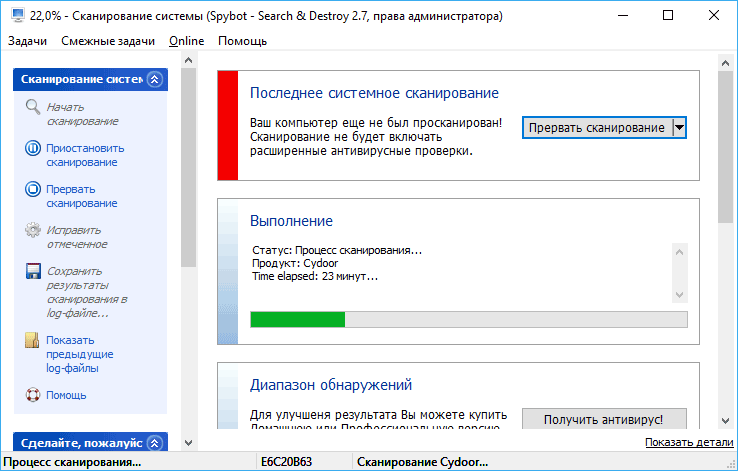
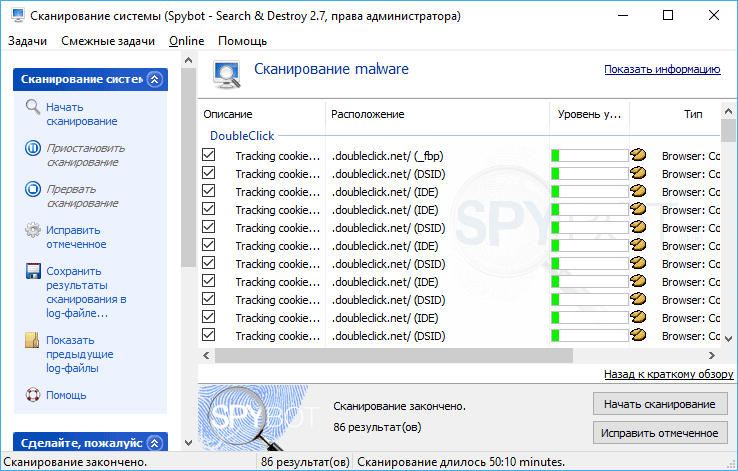
Spybot Search&Destroy is a dedicated anti-spyware utility designed to find and eliminate unwanted programs from your computer. Looking for a player that handles everything? This security tool scans for spyware, adware, browser hijackers, tracking mechanisms, and potentially unwanted modifications. The program generates detailed reports showing threats found and allows you to remove them safely. Initial scans may take over an hour, but the thorough approach ensures comprehensive protection. The interface is straightforward and intuitive—no confusing menus or complicated settings to navigate.
The real strength of Spybot Search&Destroy lies in its regularly updated threat database. New malicious programs are constantly discovered, and the developers maintain an active library to combat emerging threats. This means your computer stays protected against the latest spyware variants. The software works by analyzing system files, registry entries, and installed applications to identify suspicious activity. Once threats are detected, you can quarantine or delete them immediately. Free version users get access to all core scanning and removal features Antivirus.
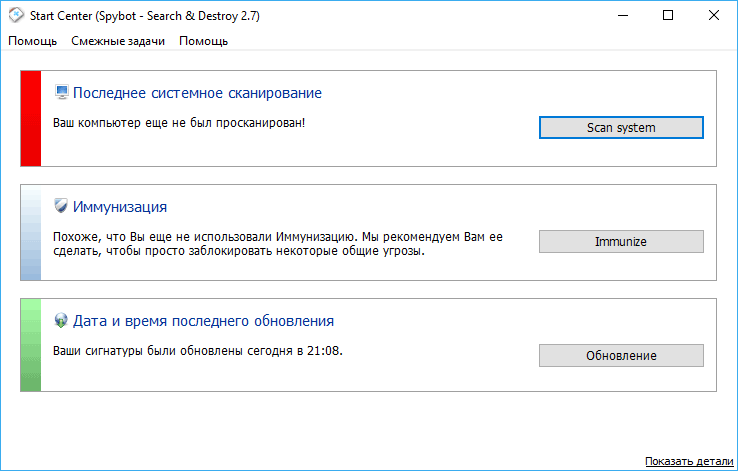
Beyond basic detection, Spybot Search&Destroy includes browser immunization—a feature that applies protective settings to strengthen your web browser against exploits and malicious websites. This proactive approach prevents some threats before they install. The tool supports Windows systems and offers both Free and premium versions. Premium editions add real-time monitoring, automatic updates, and priority support. You can compare these versions on the official website to determine which fits your needs. Whether you want basic protection or advanced features, this anti-spyware solution provides reliable defense against digital threats.
Spybot Search&Destroy is a freemium antivirus & security available for Windows. Browse more free software or lightweight programs.