
Any Video Converter
Free video converter supporting MP4, AVI, MKV, and 200+ formats with device profiles.

Any Video Converter — Key Facts
- Latest Version
- 9.0.9
- License
- Free
- Platforms
- Windows
- Category
- Converters
- Price
- Free to download
- Official Site
- www.any-video-converter.com
- User Rating
- ★ 3.8 / 5 (254 ratings)
- Tags
- free, portable, lightweight, windows, offline
Any Video Converter Screenshots
About Any Video Converter
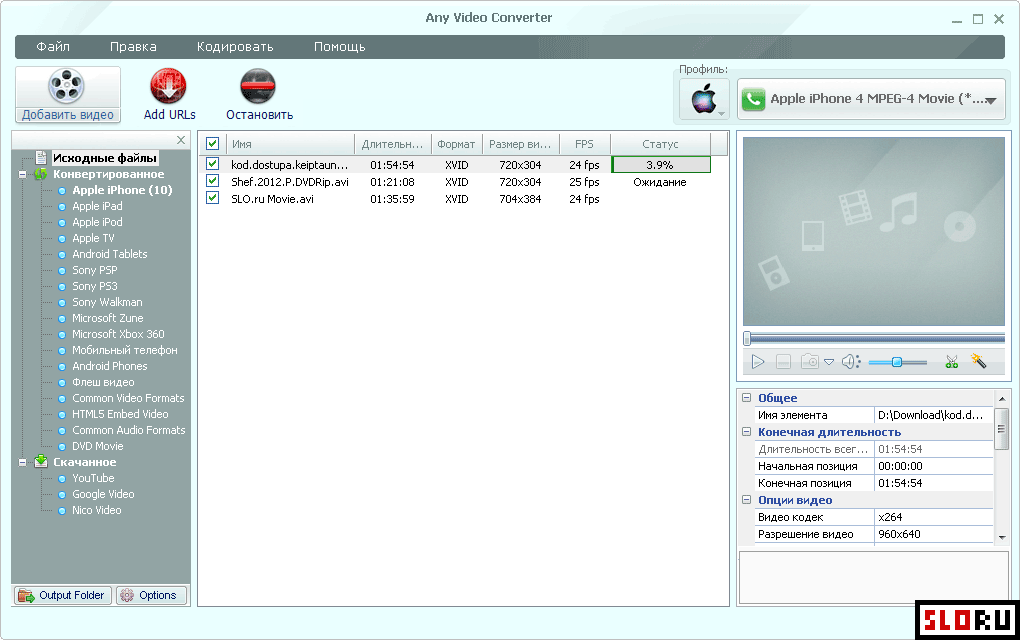
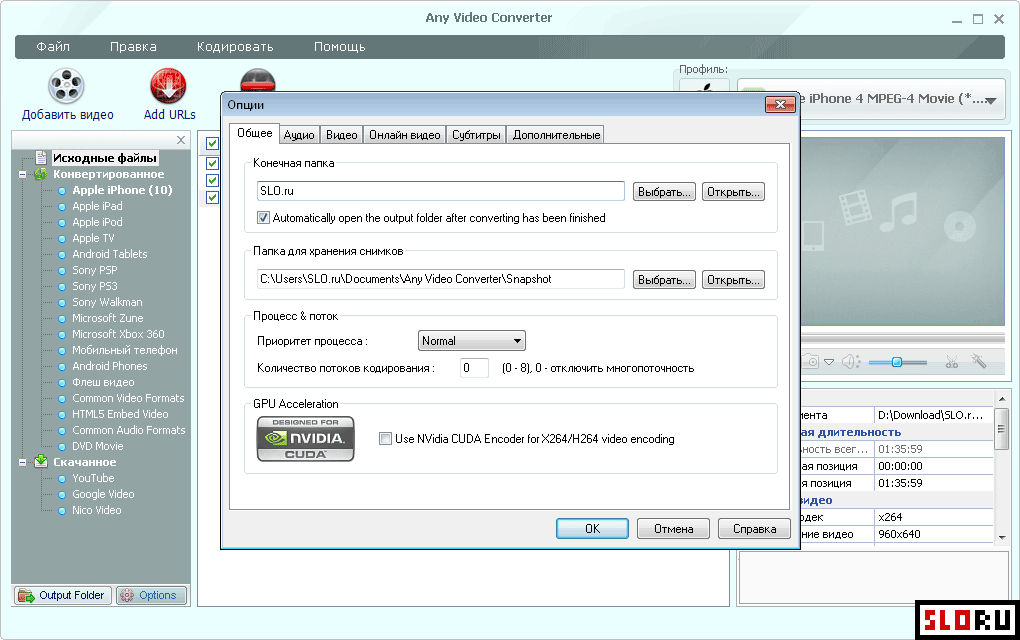
Any Video Converter is a functional video conversion application designed for users who need reliable format transformation without complexity. The software provides support for all major video codecs, including AVI, MP4, WMV, MPEG, MKV, FLV, 3GP, WebM, and DVD formats. Audio extraction and conversion capabilities are included, allowing users to isolate soundtrack content from video files or process audio independently. The application operates on systems and integrates into standard media workflows across tools. Customization options are extensive during the conversion process. Users can adjust format, quality, resolution, frame rate, and bitrate according to specific requirements. Video trimming functionality allows content editing without external tools. The application distinguishes itself through preset device profiles—preconfigured settings optimized for Apple devices (iPhone, iPad, iPod), popular Android smartphones and tablets, gaming consoles, and other target hardware. This approach eliminates manual parameter configuration when preparing video content for specific devices. Content creators can also configure settings for web publication, ensuring compatibility across streaming platforms and social media channels. Additional functionality extends beyond basic conversion. The integrated video player enables preview capabilities before processing. YouTube video downloading is supported, permitting content acquisition directly within the application. Disc recording features allow users to create optical media from converted files. These supplementary tools reduce dependency on external software for common video management tasks. The combination of straightforward interface design, format breadth, and stable performance addresses requirements for both casual users and those managing regular video projects. distribution ensures cost-free access to comprehensive conversion capabilities. The application delivers reliable conversion speeds with minimal processing overhead. No registration requirements or hidden costs apply to standard functionality. Users seeking to manage video libraries, prepare content for device playback, or extract audio from multimedia sources will find this converter addresses those needs effectively. The stable operation and predictable behavior make it suitable for repeated use in professional and personal contexts.
Any Video Converter is a free converters available for Windows. Browse more free software or portable programs.