
XMedia Recode
Free multi-format media converter supporting video and audio files with advanced editing capabilities for Windows.

XMedia Recode — Key Facts
- Latest Version
- 3.6.2.7
- License
- Free
- Platforms
- Windows
- Category
- Converters
- Price
- Free to download
- Official Site
- www.xmedia-recode.de
- User Rating
- ★ 3.9 / 5 (66 ratings)
- Tags
- free, portable, lightweight, windows
XMedia Recode Screenshots
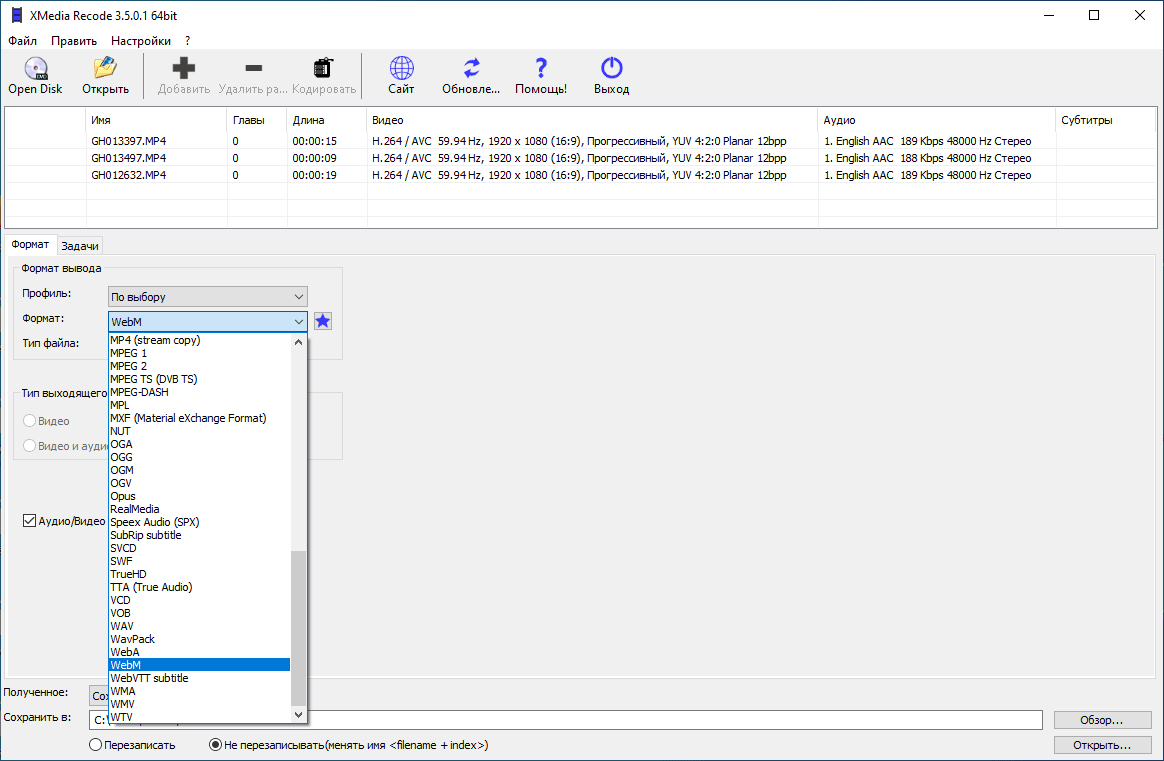
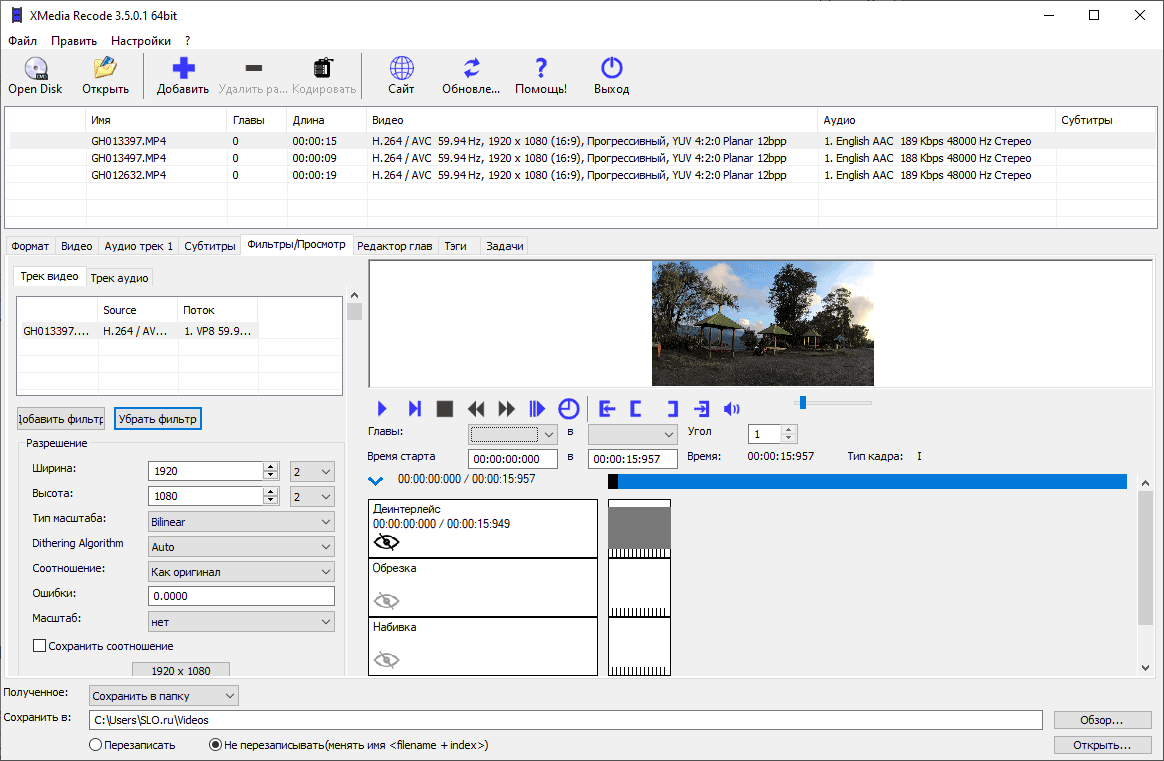
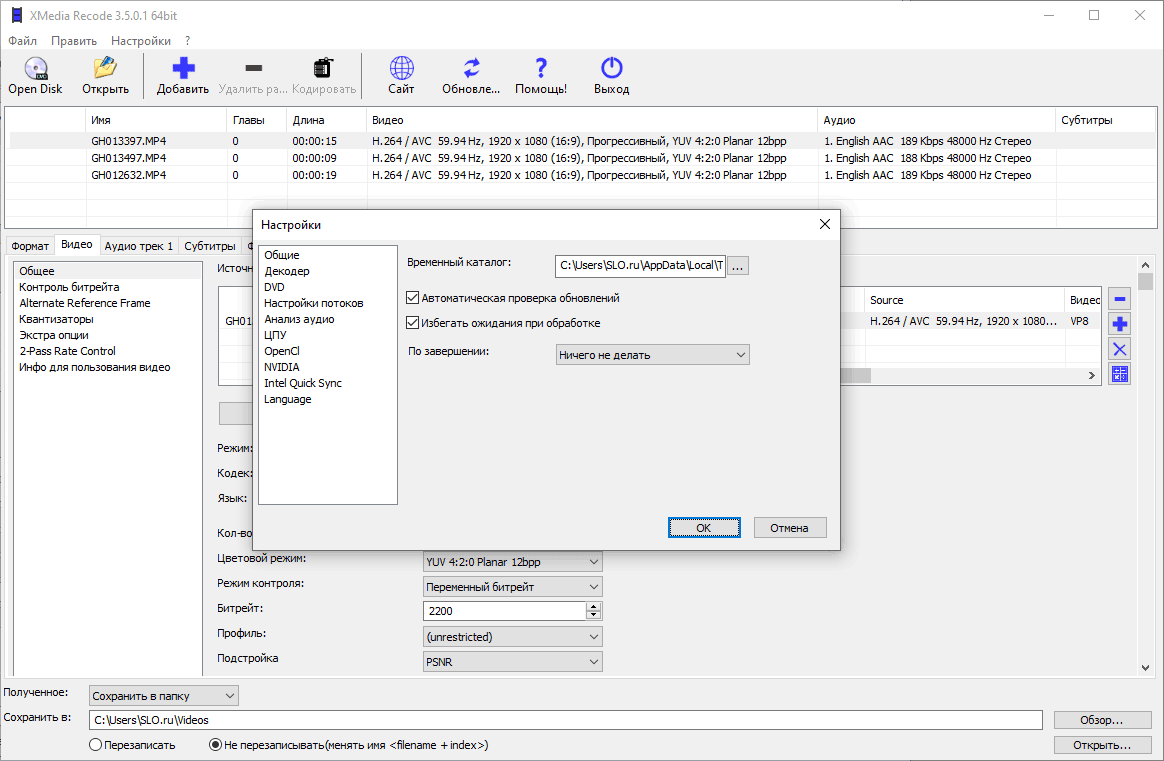
About XMedia Recode
XMedia Recode is a powerful multi-format media converter designed for converting video and audio files across numerous supported formats. The application provides comprehensive functionality for users requiring reliable file conversion with extensive customization options. Available as a tool, XMedia Recode serves both novice and experienced users through its intuitive interface combined with professional-grade capabilities. The software supports conversion between virtually all popular video and audio formats, allowing users to adjust critical parameters including bitrate, resolution, and codec settings. A substantial library of preset profiles enables quick optimization for specific devices—smartphones, tablets, gaming consoles, and other hardware platforms. Regular updates ensure emerging format standards are incorporated into the application's feature set. Beyond basic conversion, the program includes batch processing functionality, enabling users to convert multiple files simultaneously, which significantly improves workflow efficiency. Additionally, the application provides tools for ripping unprotected Blu-ray and DVD content, along with subtitle import capabilities. XMedia Recode incorporates a modest video editor enabling users to trim footage and apply various video filters for minor corrections and enhancement. This integrated editing feature reduces the need for separate applications in many common scenarios. The clean interface avoids unnecessary visual clutter while maintaining accessibility for beginners. Users can access this solution as part of the broader software ecosystem, making it an economical choice for media management tasks. The application demonstrates stability across most user environments, though isolated compatibility issues have been reported by certain users depending on system configuration. The comprehensive nature of XMedia Recode's feature set and its straightforward operation make it a practical selection for anyone requiring dependable media conversion without financial investment.
XMedia Recode is a free converters available for Windows. Browse more free software or portable programs.