
EZ CD Audio Converter
Free CD ripper and audio converter with disc burning, metadata editing, and multi-format support for Windows.

EZ CD Audio Converter — Key Facts
- Latest Version
- 12.0.1
- License
- Free
- Platforms
- Windows
- Category
- Converters
- Price
- Free to download
- Official Site
- www.poikosoft.com
- User Rating
- ★ 4.6 / 5 (417 ratings)
- Tags
- free, portable, lightweight, windows
EZ CD Audio Converter Screenshots
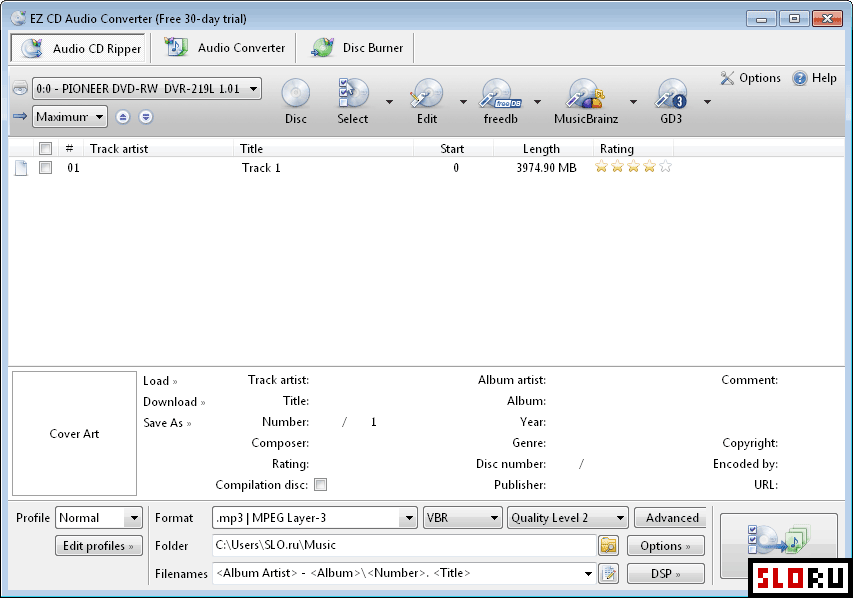
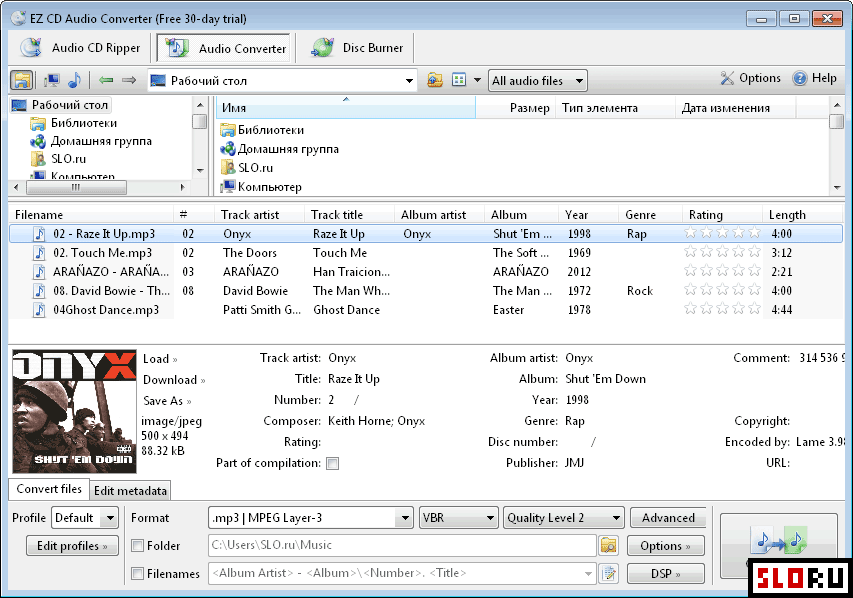
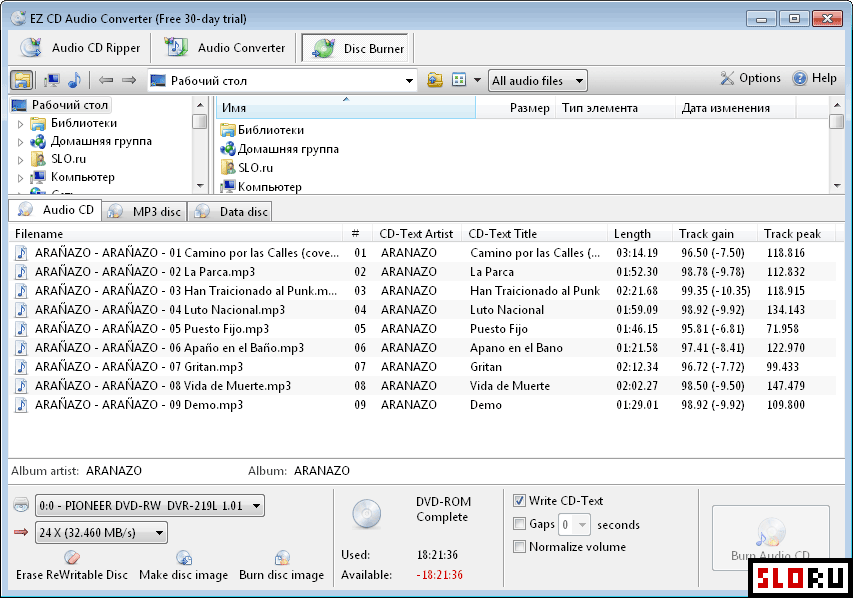
About EZ CD Audio Converter
EZ CD Audio Converter is a powerful toolkit for extracting audio from CDs and converting between formats. Previously known as Easy CD-DA Extractor, this program packs three essential functions into one handy application. You get CD ripping to grab tracks directly onto your computer, audio file conversion to switch between formats instantly, and disc burning capabilities for audio CDs, MP3 discs, and data discs. It just works! The software also includes metadata editing tools and integration with online services to automatically fetch song information. Whether you're archiving old CDs or preparing audio files for different devices, EZ CD Audio Converter handles it all smoothly. The interface is clean and intuitive, making it accessible whether you're a beginner or experienced audio enthusiast. software like this typically supports all popular audio formats, and this one delivers exactly that. You'll find support for MP3, FLAC, WAV, AAC, OGG, and many others right out of the box. The metadata editor lets you organize your music library properly, while the online lookup service saves time by automatically grabbing album art and track information. No need to manually edit everything yourself—just grab the data and you're done. Download EZ CD Audio Converter free and take full control of your audio collection. The application runs smoothly on systems and requires minimal resources to operate. Batch conversion capabilities mean you can process multiple files simultaneously, which is huge when you're converting a large music library. The disc burning features support various CD formats, so whether you want to create traditional audio CDs for older players or MP3 discs for compatible devices, you've got options. Check out alternatives in the category if you want to compare features. Setting up takes just minutes. The straightforward workflow guides you through each step without unnecessary complexity. You can customize output quality, choose your preferred audio codec, and organize files however you like. Regular updates keep the software compatible with modern Windows systems. For anyone who still works with physical media or needs reliable format conversion, EZ CD Audio Converter remains a solid choice that delivers real results without confusion.
EZ CD Audio Converter is a free converters available for Windows. Browse more free software or portable programs.