
Freemake Audio Converter
Free audio converter supporting MP3, WAV, FLAC, and more formats with video extraction.

Freemake Audio Converter — Key Facts
- Latest Version
- 1.1.8
- License
- Free
- Platforms
- Windows
- Category
- Converters
- Price
- Free to download
- Official Site
- www.freemake.com
- User Rating
- ★ 4.6 / 5 (834 ratings)
- Tags
- free, lightweight, portable, windows
Freemake Audio Converter Screenshots
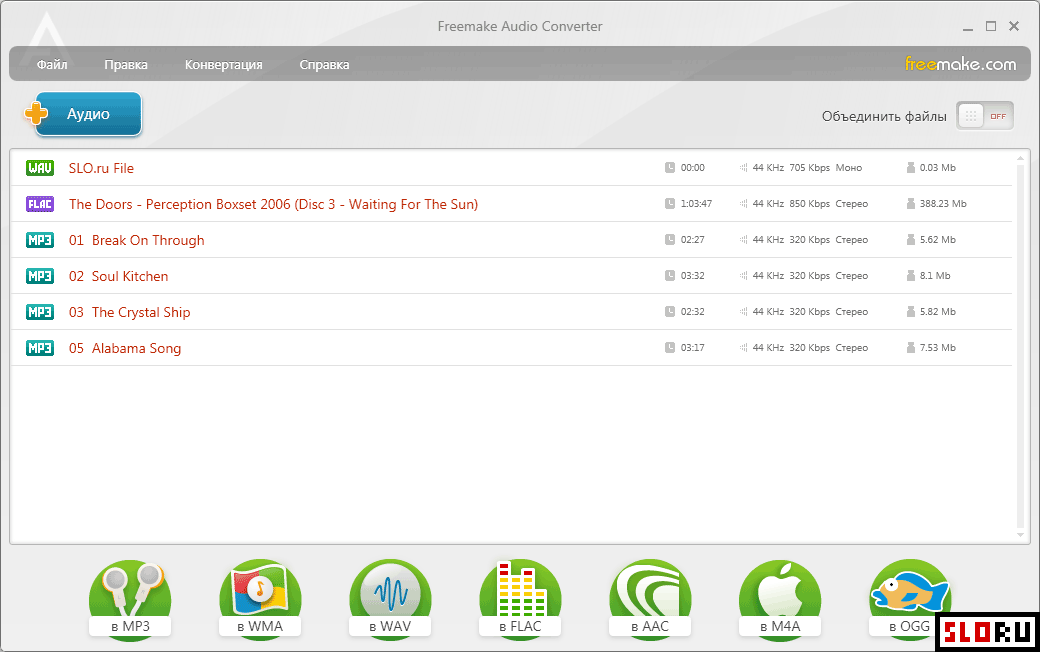
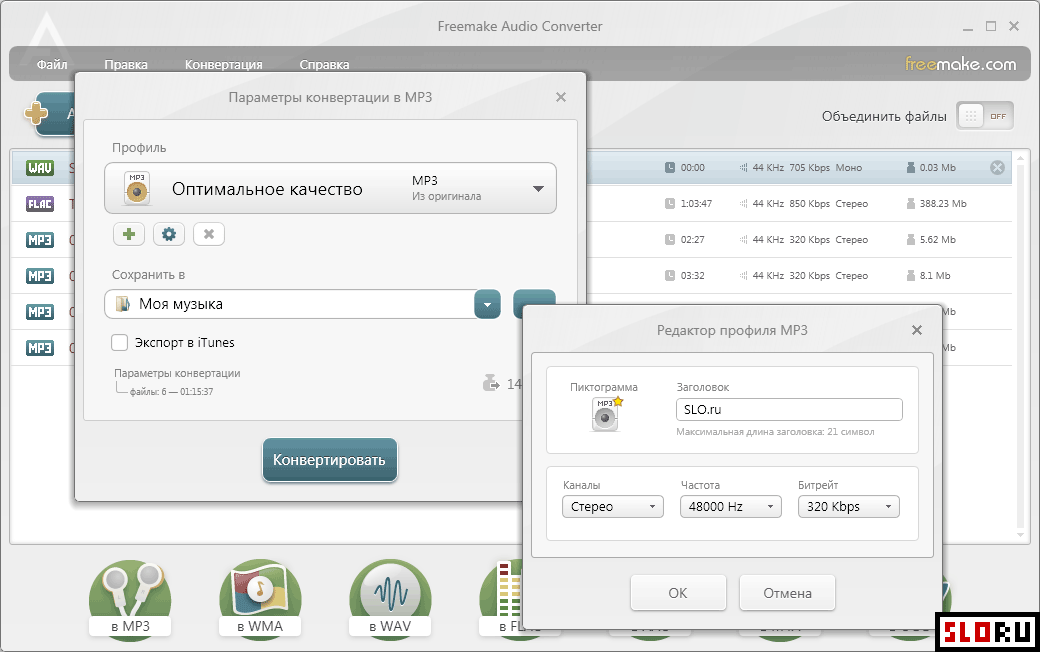
About Freemake Audio Converter
Freemake Audio Converter is a straightforward application designed for converting audio files between popular formats. The software provides an intuitive interface that requires minimal learning curve, making it accessible to users of all experience levels. Conversion settings are kept simple, focusing on essential parameters such as bitrate, sample frequency, and mono/stereo configuration. This approach eliminates unnecessary complexity while delivering functional audio processing capabilities. The application supports conversion among widely-used audio formats including MP3, WMA, WAV, FLAC, AAC, M4A, and OGG. Beyond mainstream formats, Freemake Audio Converter handles a comprehensive range of less common audio codecs, ensuring compatibility with diverse media libraries. A particularly useful feature is the audio extraction capability—users can extract audio tracks directly from video files through a simple conversion process, eliminating the need for separate video processing tools. This functionality proves valuable for creating audio-only versions of multimedia content. Freemake Audio Converter operates as a utility available on , making it an economical choice for audio format conversion tasks. The application belongs to the category and is tagged as and . It represents an effective solution for users seeking quick format conversions without navigating complex professional-grade software interfaces. The program excels when speed and simplicity take priority over advanced editing capabilities. This converter suits individuals who need occasional format transformations or batch audio conversions without specialized knowledge. Users can download Freemake Audio Converter directly and begin converting files immediately upon installation, achieving results within minutes.
Freemake Audio Converter is a free converters available for Windows. Browse more free software or lightweight programs.
Frequently Asked Questions
Similar Software to Freemake Audio Converter
Compare Freemake Audio Converter With Alternatives
Freemake Audio Converter Guides & Tutorials
- freemake video converter cuda not working
- freemake audio converter alternative
- freemake audio converter similar
- freemake video converter alternatives
- freemake video converter free alternative
- freemake video converter html to mp4
- freemake video converter mov to mp4
- freemake video converter not working on windows 11