
Freemake Video Converter
Free video converter supporting 200+ formats for multiple devices and platforms.

Freemake Video Converter — Key Facts
- Latest Version
- 5.0
- License
- Free
- Platforms
- Windows
- Category
- Converters
- Price
- Free to download
- Official Site
- www.freemake.com
- User Rating
- ★ 4.3 / 5 (557 ratings)
- Tags
- free, portable, windows, lightweight
Freemake Video Converter Screenshots
About Freemake Video Converter
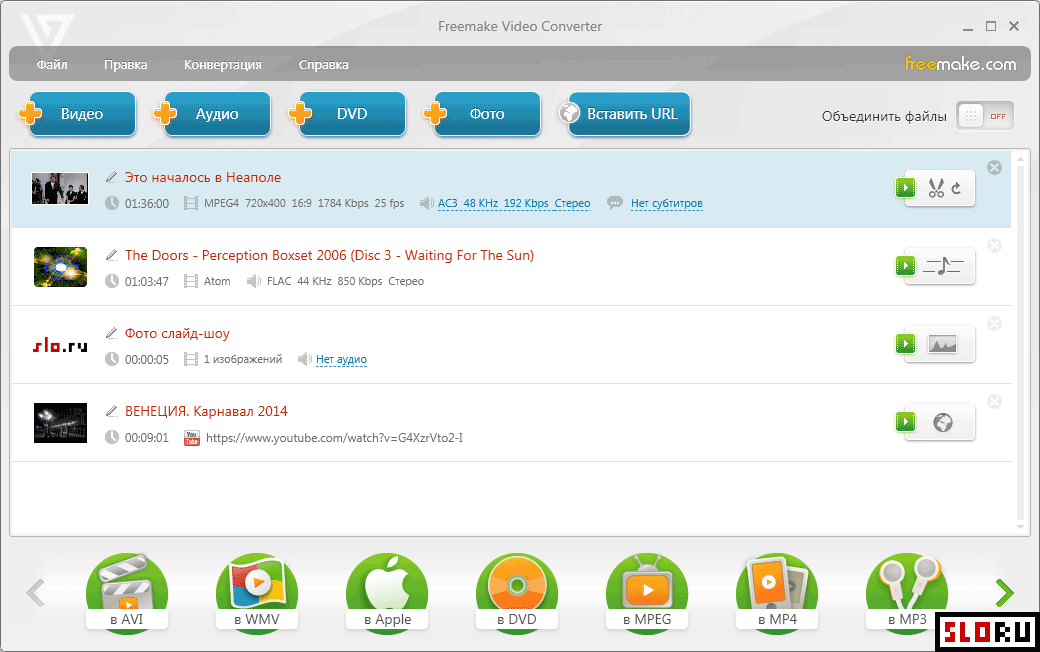
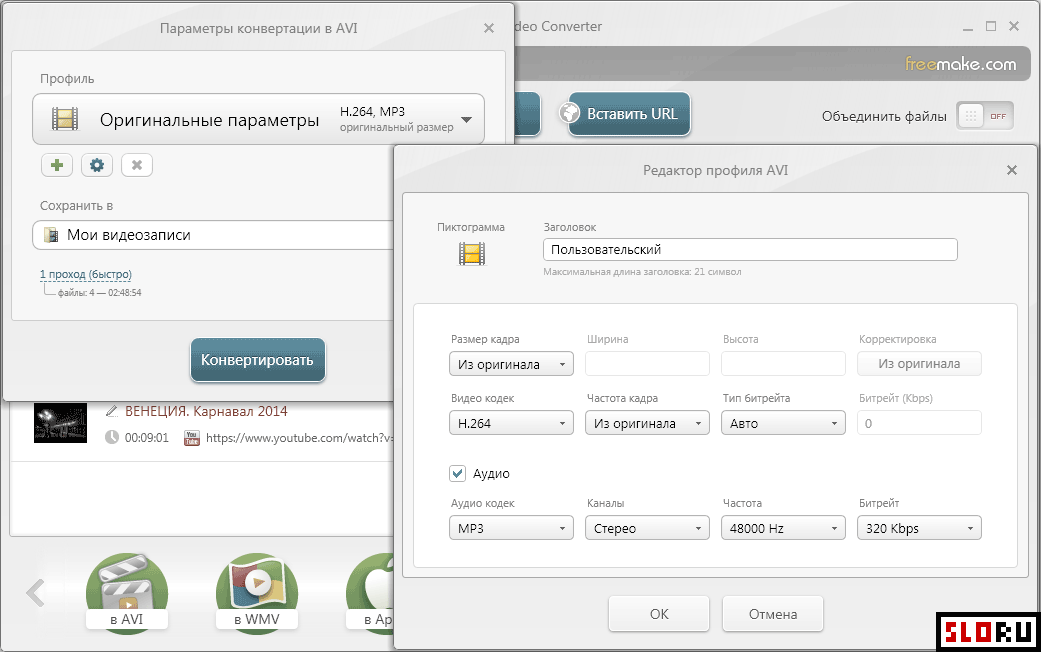
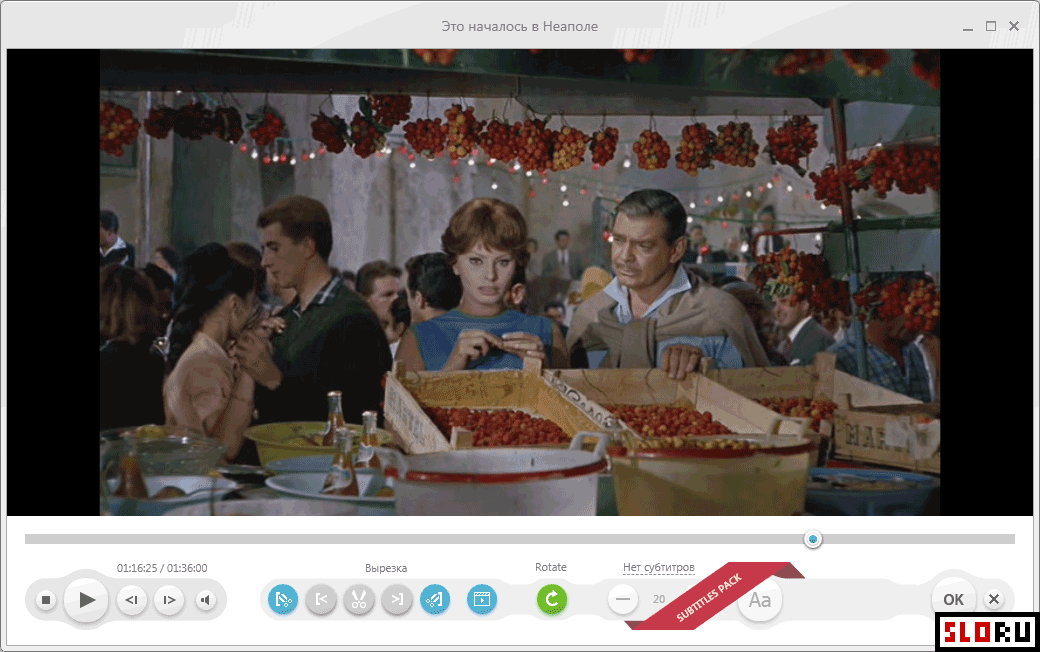
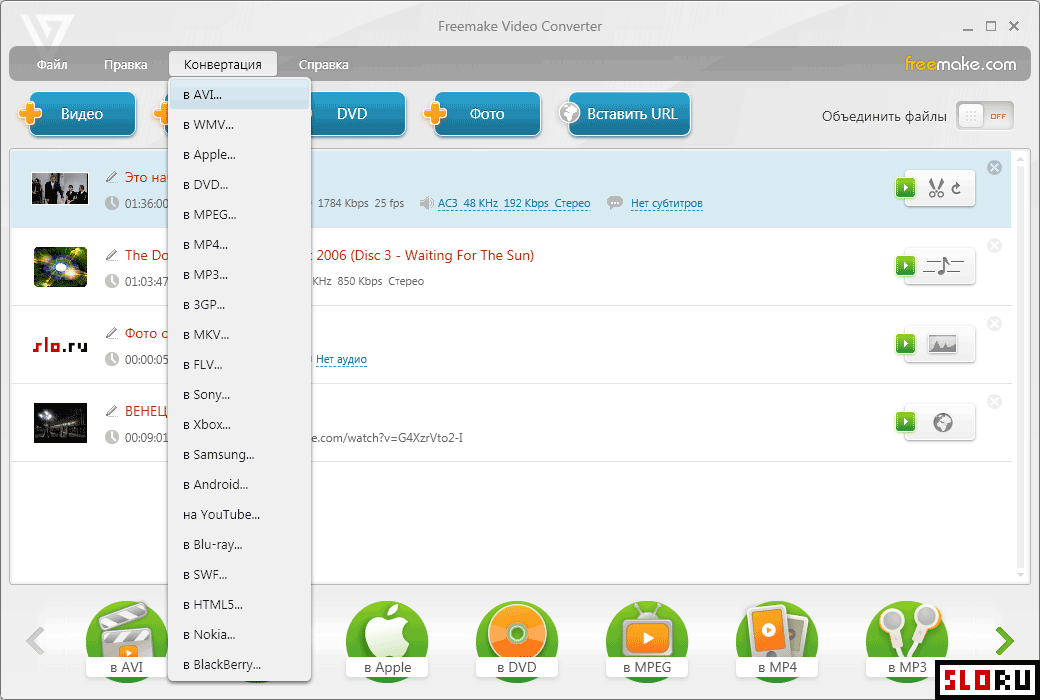
Freemake Video Converter is a fully free multimedia conversion application designed primarily for video file transformation. The software converts video and audio files into various formats optimized for different devices, including smartphones, tablets, gaming consoles, and streaming platforms. Over 200 input formats are supported, making the application suitable for diverse conversion needs across personal and professional contexts. The application provides an intuitive interface that accommodates both experienced and novice users. All functions are designed to be self-explanatory, requiring minimal learning curve for basic operations. Conversion profiles are included for popular formats and devices, such as AVI, WMV, MP4, MKV, FLV, and device-specific optimizations for Apple, Samsung, Xbox, and Android platforms. Each profile contains configurable settings including resolution, bitrate, frame rate, and codec selection, allowing fine-tuned output parameters. Video and audio trimming features are integrated into the core functionality. Beyond standard conversion capabilities, Freemake Video Converter offers additional features for multimedia manipulation. Users can extract audio tracks from video files for standalone audio conversion, create video slideshows from image sequences, and perform DVD ripping operations on unprotected discs. The application falls within the category and is optimized for systems. Available as a solution, it eliminates conversion barriers for users seeking reliable multimedia transformation without financial investment. The software's comprehensive format support and device profiles make it particularly valuable for content creators, media enthusiasts, and users requiring frequent format conversion. Real-world applications include preparing videos for social media platforms like YouTube, converting media for portable devices, and batch processing multimedia files. Download options are available directly from official distribution channels, ensuring secure acquisition of the current version.
Freemake Video Converter is a free converters available for Windows. Browse more free software or portable programs.
Frequently Asked Questions
Similar Software to Freemake Video Converter
Compare Freemake Video Converter With Alternatives
Freemake Video Converter Guides & Tutorials
- free video converter reviews
- alternative zu freemake video converter
- free 4k video downloader alternative
- free video to jpg converter alternative
- freemake video converter free download old version
- freemake video converter freemake video converter
- freemake video converter freeware
- freemake video converter online free